
Physical Stores

Keep the queue moving, even when the internet doesn't.

CoSpread POS records sales offline and syncs when you're back online, while your stock, staff and sales stay organised store by store.

A shop owner checking her phone at a counter lined with jars of goods

Ikeja store · Till 2

3 open carts

  • Cart 1 · 4 itemsPaid · Cash
  • Cart 2 · 2 itemsPaying · Transfer
  • Cart 3 · 1 itemOpen
  • SyncOffline · 2 queued

Made for

  • Supermarkets & minimarts
  • Boutiques
  • Pharmacies
  • Electronics shops
  • Hardware & building materials
  • Wholesalers & distributors

The challenge

What gets in the way of physical stores

01

Sales stop when the network drops

An unreliable connection shouldn't mean writing sales on paper and entering them again later.

02

Stock counts that don't add up

With several stores and many hands, it's hard to know what's on the shelf, what's running low and who changed what.

03

Staff with access to everything

Cashiers at one branch shouldn't see or act on another branch's sales.

How CoSpread helps

Everything you need, working together.

A POS built for busy counters

Serve several customers at once with carts that work like browser tabs, and take payment however they want to pay.

More on CoSpread POS
  • Offline-first, with automatic sync
  • Multiple open carts at the same time
  • Cash, card and bank transfer
  • Search products by name, description or SKU
  • Web today; desktop for Windows, Mac and Linux coming soon
Stock tracked store by store

Each location keeps its own stock levels, so you always know what each store can sell.

More on Catalogue & Inventory
  • Make items available only in specific stores
  • Restock each location and record the cost of new stock
  • Low-stock alerts from thresholds you set
  • Every stock change records which team member made it

Staff locked to their own store

Assign each team member to a store and they can only operate there — on the POS and in the dashboard.

More on Governance & Permissions
  • Invite staff and change their access at any time
  • Predefined roles, or roles you define yourself
  • Restrict a single person — for example from cancelling orders — without changing their role

Every branch in one view

Compare stores, follow sales and earnings, and see which products are carrying the business.

More on Business Analytics
  • Location-based analytics filters
  • Sales, earnings and order statistics
  • Product performance

How it works

A sale at the counter

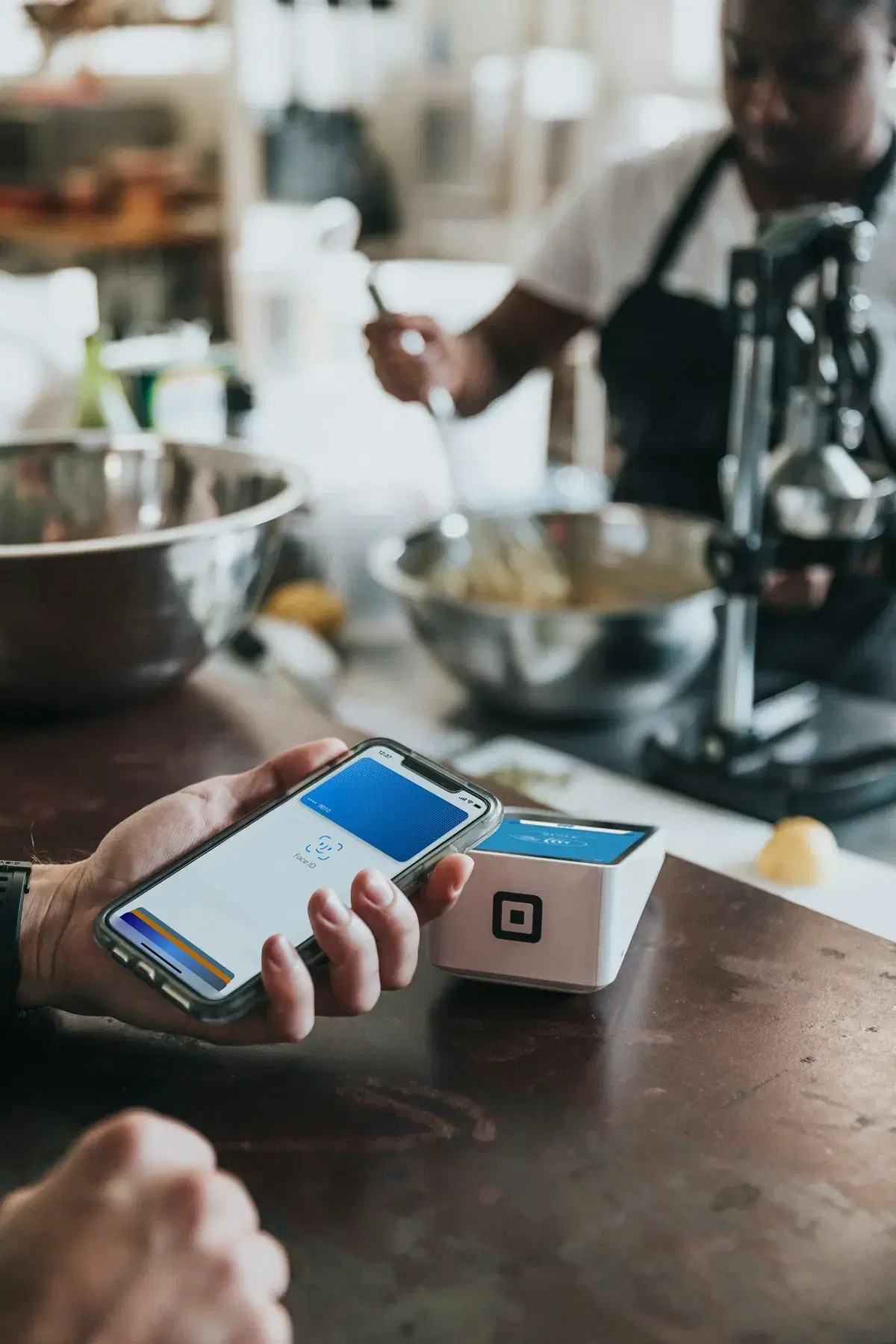
A customer paying with a phone at a card reader on a shop counter
1

Open a cart

The cashier opens a new cart tab and adds items by searching name or SKU.

2

Take payment

The customer pays by cash, card or transfer. The order is recorded against this store.

3

Serve the next customer

Park the cart and open another while the first customer finds their wallet.

4

Sync and restock

Sales sync to the cloud as soon as there's a connection. Stock drops, and low-stock alerts tell you what to reorder.

Make it yours

Your details, your fields.

Capture the details your shelf and your customers need, with templates you define once and reuse.

Packaged goods

Product specification template
Brand
Golden Penny
Pack size
Carton of 20
Unit
Pack
Shelf location
Aisle 4

Recommended plan

Standard

CoSpread POS, inventory management, three locations included (more at ₦2k/month each) and five team members.

Compare plans

Questions from physical stores teams

What happens if the internet goes down mid-sale?

Nothing changes at the counter. CoSpread POS saves sales on the device and syncs them automatically when the connection returns.

Can a cashier see other stores' sales?

Not if they're assigned to a location. Team members assigned to a store only see and work on that store's orders and invoices.

Can I serve more than one customer at a time?

Yes. Open as many carts as you need, switch between them like tabs, and check each one out separately.

Do I need special hardware?

CoSpread POS runs in the browser today. Desktop apps for Windows, Mac and Linux are coming soon.