
Restaurants

From order to plate, without the paper tickets.

Take dine-in, pickup and delivery orders on one system, follow each one from the kitchen to the customer, and see which dishes earn their place on the menu.

A smiling café owner in an apron standing in his coffee shop

Lekki branch · Today

Live orders

  • Table 4 · In-storeProcessing
  • Tolu · PickupReady
  • Emeka · DeliveryShipped
  • Table 9 · In-storeConfirmed

Made for

  • Quick-service restaurants
  • Cafés & coffee shops
  • Bakeries & pastry shops
  • Bukas & eateries
  • Cloud kitchens
  • Bars & lounges

The challenge

What gets in the way of restaurants

01

Rush hour overwhelms the counter

Several customers order at once, and one slow payment holds up the whole line.

02

Orders get lost between counter and kitchen

Without a shared order status, nobody knows what's cooking, what's ready and what's gone out.

03

Branches run on guesswork

It's hard to compare branches or know which dishes and drinks actually make money.

How CoSpread helps

Everything you need, working together.

Take orders as fast as customers arrive

Open a cart for every table or customer and switch between them in a tap.

More on CoSpread POS
  • Multiple open carts — one per table or customer
  • Cash, card and bank transfer
  • Keeps working when the network drops, and syncs later
One order flow from counter to customer

Every order — dine-in, pickup or delivery — moves through clear stages your whole team can see.

More on Orders Management
  • In-store, pickup and delivery orders
  • Confirmed → Processing → Ready → Delivered
  • Customers with an email on file are updated automatically
  • Every action logged with who did it and when

A menu that fits how you sell

Set up dishes and drinks as products with variants for size or portion, and units like cup or pack.

More on Catalogue & Inventory
  • Variants for portion size, flavour or add-ons
  • Show different items at different branches
  • Low-stock alerts for drinks and packaged items

Know your best sellers

See sales by branch and find out which items carry the menu.

More on Business Analytics
  • Product performance across the menu
  • Location-based filters for each branch
  • Sales, earnings and order statistics

How it works

Lunch rush at the counter

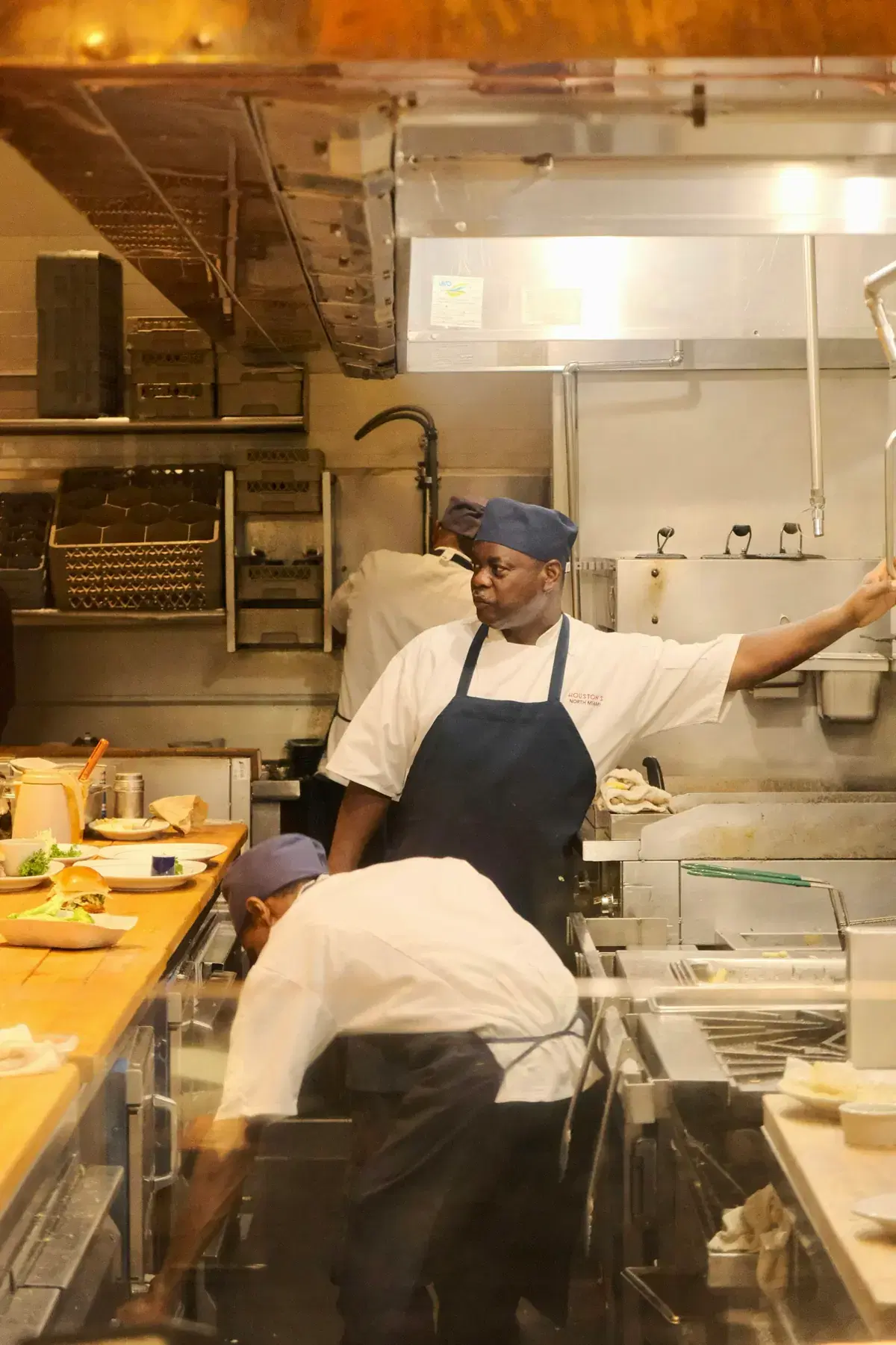
A chef directing service in a busy restaurant kitchen
1

Order at the counter

The cashier opens a cart for Table 4 and another for a pickup customer.

2

Pay and send to the kitchen

Each customer pays their way. The orders are confirmed and marked Processing.

3

Ready to serve

The kitchen marks each order Ready. Pickup customers with an email on file are told it's ready.

4

Close the day

Check sales by branch and see which items sold best today.

Make it yours

Your details, your fields.

Add the details your customers ask about to every dish, with a template you reuse across the menu.

Menu item

Product specification template
Portion
Large
Spice level
Medium
Allergens
Contains nuts
Prep time
15 minutes

Recommended plan

Standard

CoSpread POS, inventory management and full analytics, with three branches included and more at ₦2k/month each.

Compare plans

Questions from restaurants teams

Can I handle dine-in, pickup and delivery together?

Yes. Every order is recorded as in-store, pickup or delivery, and all of them move through the same stages.

Can staff at one branch see another branch's orders?

Not if they're assigned to a branch. Assigned team members only work within their own location.

Can I show a different menu at each branch?

Yes. You can make items available only at specific locations and restock each one separately.